

Google Slides
What is Google Slides?
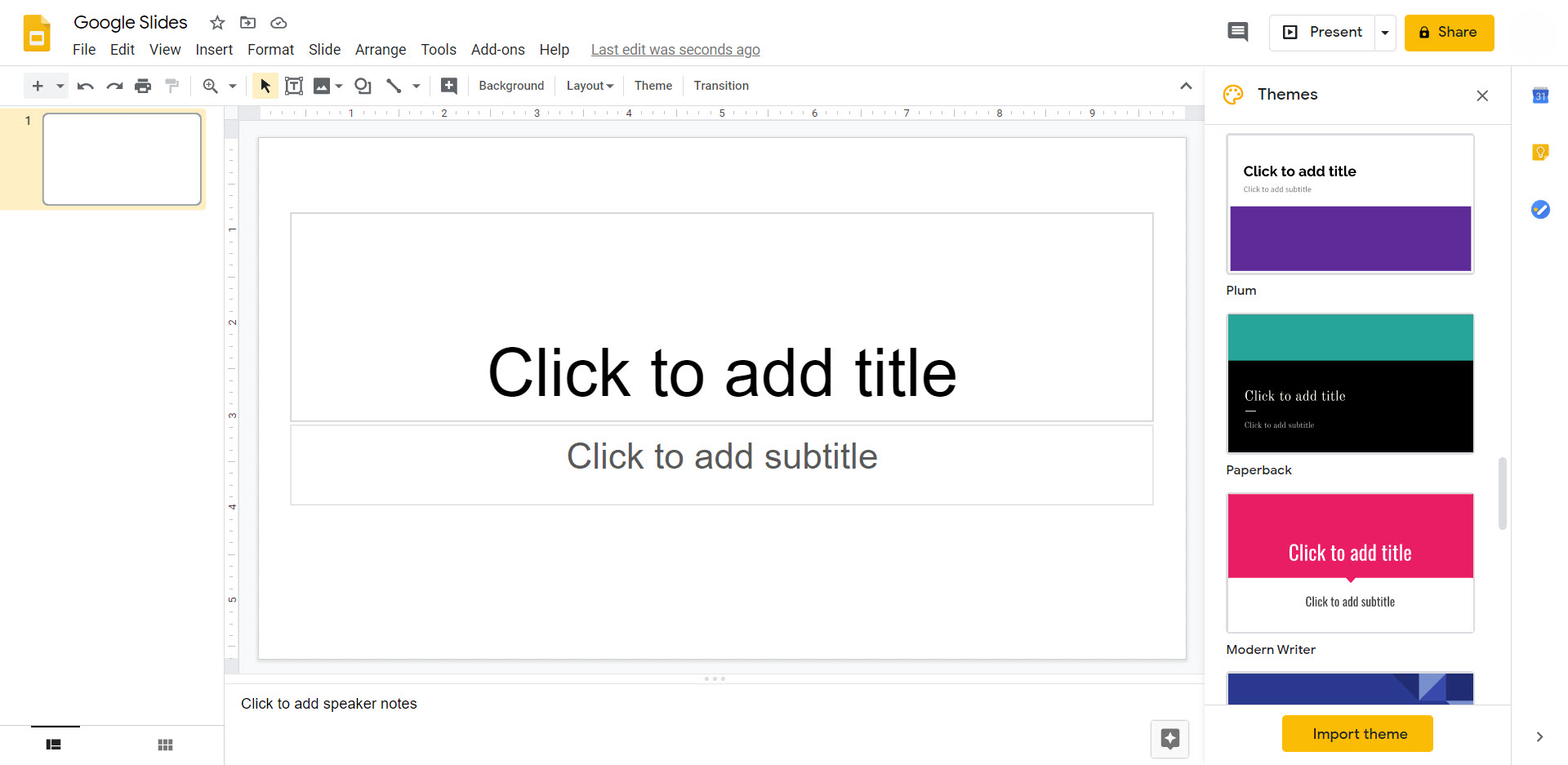
Google Slides is a web-based slide deck presentation program that contains all the essentials including themes, fonts, animations, embedded video, etc.
Like other Google suite programs, Google Slides shares some of the same features including easy sharing with others and multiple user collaboration. [More Information]
Ease of Use:
Set Up Time:
Best Used For:
Slideshows & presentations
Why use Google Slides?
Faculty can use Google Slides for lessons that require a slide deck presentation. You can easily create professional-looking presentations from any classroom or any computer. Access your presentations on the web rather than emailing them or carrying them around on a USB stick.
Go one step further by making interactive presentations, worksheets, and images. This could make your lesson more engaging and fun.
Google Slides is not only easy to access for faculty, it is easy to share, especially with students. Google Slides can generate a shareable link like the other Google suite products so students can access your slides in class or at home. [More Information]
How to use Google Slides
Click on the topics below to expand sections:
Google Slides is part of a free set of products from Google.
- Google Slides is available on any desktop, laptop or mobile device that has internet access.
- Access to Google Slides does not require an IT Help Desk ticket.
- To use any of the Google products, you must set up a free Google account.


